


ClearSCADA Backup Object
Originally posted to du5tin.com on August 13, 2020.
Backing up a SCADA software database can be a bit of a chore. Manual copying files and folders to get a backup is a common place task and sometimes comes with risk that the software database will be corrupted!
ClearSCADA includes a handy little backup object that will make a backup for you with no risk of corruption. This object is super useful and helps conscientious developers make backups as they work. It can even be automated using a Schedule object so that backups are taken on a regular basis.
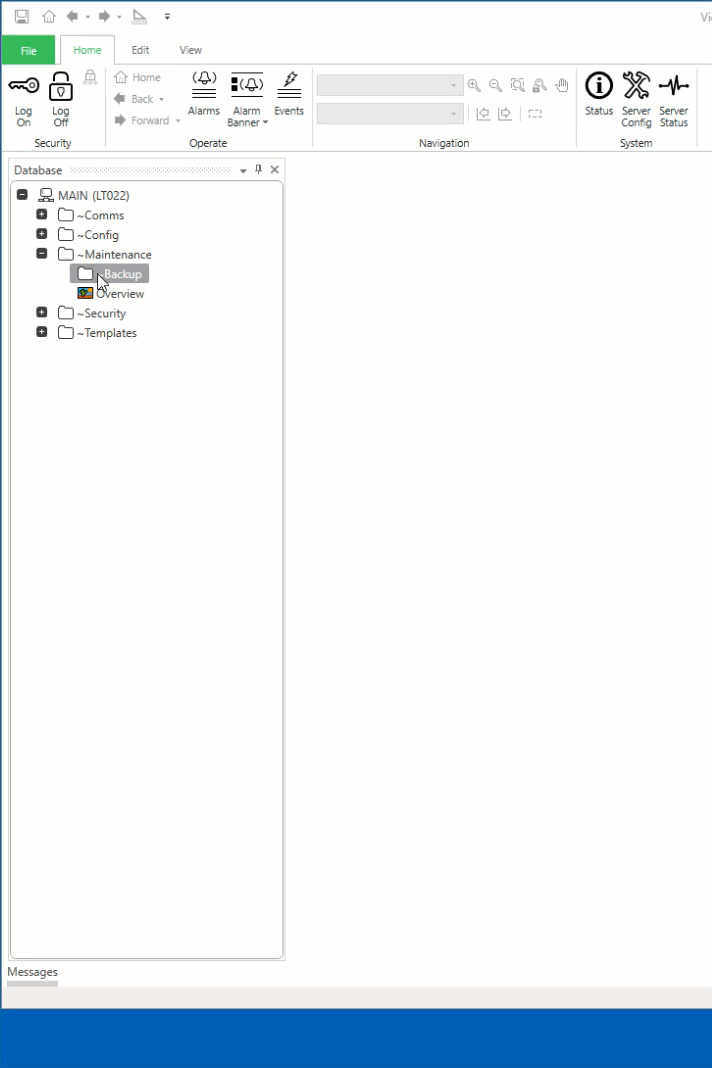
Lets start by getting into ViewX, log in as an administrator/engineer with permissions to create objects. Choose suitable location for your backup object.
Once you have the object open, lets configure it. We are going to place the backup into a specific folder on our C:\ drive. Then set the default name using date and time Trip Sequences. Pick the parts of the database we want to backup. Finally setup compression.

Now that the object is created we can right-click the object in the database and select "Backup...". This will run the backup command and make ClearSCADA take a backup.

More to come on ClearSCADA backups and some advanced things you can do using the Backup Object.


Comments